Choosing an AI chatbot is harder than it looks. Most tools say they "answer customers with AI", but they're built for very different businesses, and they charge for AI in very different ways. A tool that's perfect for a 50-person support team can be expensive and complicated for a salon or a plumber.
A note before we start: we make Chatloom, so we're not neutral. To keep this useful, every price below comes from each company's own public pricing page (checked on 14 and 15 October 2026), and we say where each tool is stronger than ours. Prices change, so check their sites before you decide.
The quick comparison
| Tool | Best for | Free plan | Paid plans start at | How the AI is charged |
|---|---|---|---|---|
| Chatloom | Small businesses that want an AI chatbot trained on their website, with live chat and bookings | Yes, with AI replies | $19/month | Monthly message credits, included in the plan |
| Tidio | Live chat and e-commerce support, with AI as an add-on | Yes, live chat | $24.17/month, plus Lyro AI | Lyro AI from $32.50/month for 50 AI conversations |
| Chatbase | Many integrations, voice agents and enterprise needs | 7-day trial | $40/month | Message credits by plan |
| Crisp | One shared inbox for chat, email and messaging apps | Yes, without AI | $45/month | AI credits included by plan |
| LiveChat | Teams that chat with customers all day | 14-day trial | $19 per user/month, billed yearly | AI resolutions by plan, extra packs of 50 |
| Intercom | Larger teams that need a full support platform | 14-day trial | $29 per seat/month | $0.99 per resolved conversation (Fin) |
| Zendesk | Support teams that need a complete helpdesk | 14-day trial | $19 per agent/month, billed yearly; live chat from $55 | $2.00 per automated resolution after a few included |
| Botpress | Developers building custom AI agents | Yes, 100 conversations | $150/month, billed yearly | Conversations plus AI usage |
How we compared them
For a small business, five things matter more than a long feature list:
- Does it learn from your website? You shouldn't have to write every answer by hand.
- Does it stick to the truth? The best tools answer only from your content, show their sources, and say when they don't know.
- Can it hand over to a person? Live chat, WhatsApp, phone or email for the questions that need you.
- Is the price predictable? Per-seat and per-resolution fees can grow quickly as you get busier.
- Can you set it up yourself? Without a developer or a support team.
The tools, one by one
Chatloom: an AI chatbot built for small businesses
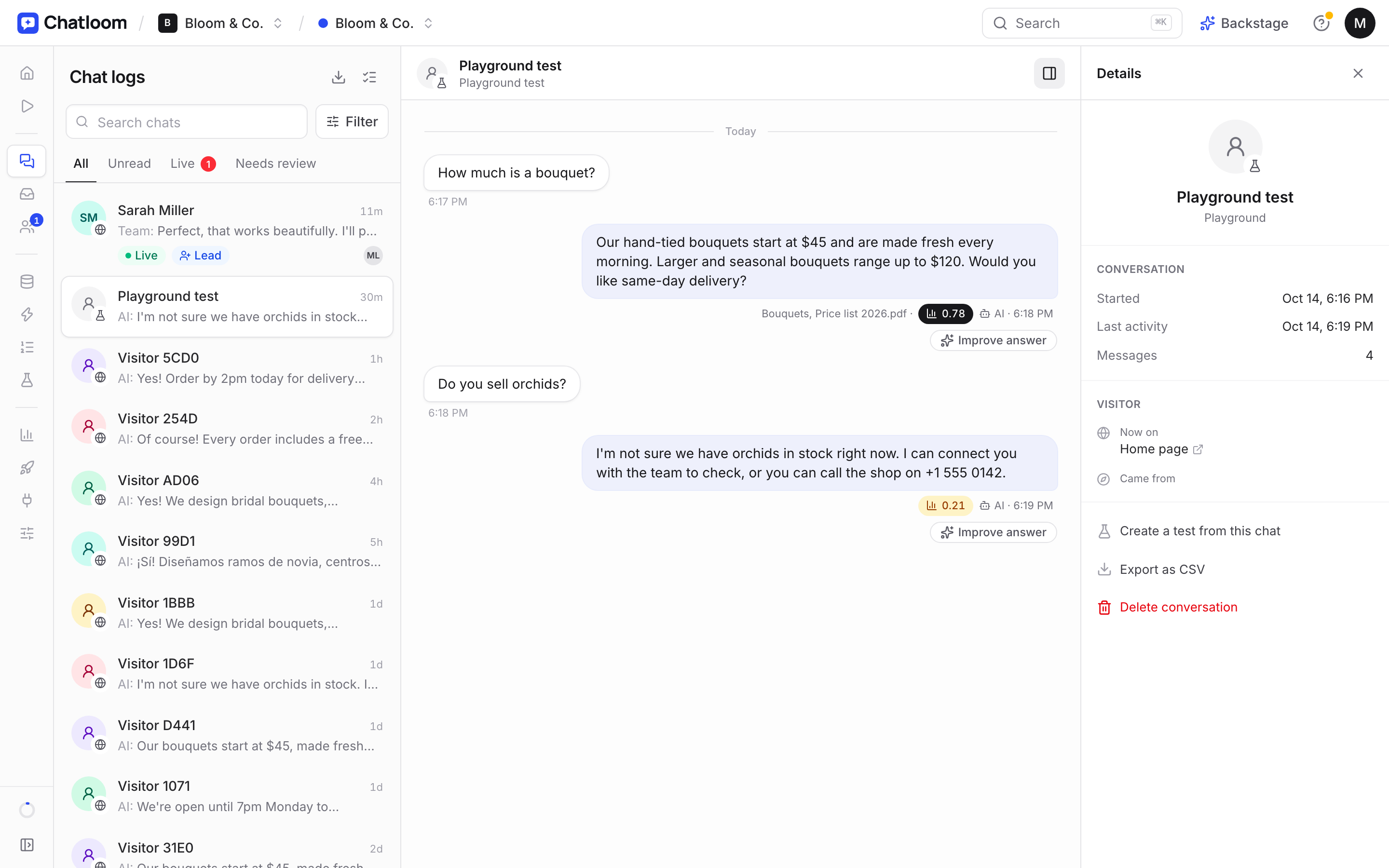
Paste your website and Chatloom learns your services, prices and policies, then answers customers day and night in their own language, showing the source of every answer. It books calls (Cal.com and Calendly), captures leads, and hands chats to your team on WhatsApp, phone, email or live chat.
- Good for: small businesses that want the AI to answer most questions, at a flat monthly price, with a free plan to start.
- Watch out for: WhatsApp, Instagram and Messenger as chat channels are still coming soon, and there are no voice agents or enterprise features like SSO.
Tidio: live chat first, AI as an add-on
Tidio is a popular live chat and helpdesk tool, especially for online stores, with a generous free live chat plan and its Lyro AI agent priced separately.
- Good for: stores and teams that mainly chat with customers themselves, across Messenger, Instagram and WhatsApp.
- Watch out for: the AI costs extra on top of the plan. Read: Chatloom vs Tidio
Chatbase: a mature AI agent platform
Chatbase builds an AI agent from your website and documents, with a long list of integrations, voice agents and enterprise options.
- Good for: businesses that need integrations like Salesforce or Zendesk, voice agents, or enterprise compliance.
- Watch out for: there's no free plan (a 7-day trial), and removing branding is a $99/month add-on. Read: Chatloom vs Chatbase
Crisp: a shared inbox for chat, email and messaging apps
Crisp brings website chat, email, WhatsApp, Instagram and more into one inbox, with an AI chatbot and knowledge base from its Essentials plan.
- Good for: support teams that want every channel in one place.
- Watch out for: the free plan has no AI credits, and the AI chatbot starts on the $95/month plan. Read: Chatloom vs Crisp
LiveChat: a classic live chat tool with AI agents
LiveChat has been around for years and is built for teams who chat with customers all day, with AI agents and agent tools on every plan.
- Good for: teams with people answering chats most of the day.
- Watch out for: pricing is per user, and the entry plan includes 10 AI resolutions a month. Read: Chatloom vs LiveChat
Intercom: a full customer service platform
Intercom combines inboxes, a help center, workflows and its Fin AI agent, charged per resolved conversation.
- Good for: growing and larger teams that need a complete support platform and enterprise controls.
- Watch out for: per-seat prices plus $0.99 per resolution add up quickly for a busy small business. Read: Chatloom vs Intercom
Zendesk: the complete helpdesk
Zendesk is one of the most complete helpdesks available, with tickets, workflows, SLAs, a help center and AI agents.
- Good for: support teams with processes, many channels and reporting needs.
- Watch out for: live chat starts on Suite Team ($55 per agent), and AI resolutions cost $2.00 each after the few included. Read: Chatloom vs Zendesk
Botpress: build your own AI agent
Botpress is a platform for designing custom AI agents with your own flows, tools and integrations, popular with developers and agencies.
- Good for: teams with developers who want full control.
- Watch out for: you build the agent yourself, and paid plans start at $150/month. Read: Chatloom vs Botpress
How to choose in five minutes
- You want the AI to answer most questions, and you're a small team: start with a tool that includes AI replies in the plan and has a free plan, like Chatloom.
- Your team chats with customers all day: a live chat tool like LiveChat or Tidio, with AI as a helper.
- You need one inbox for every channel: Crisp.
- You run a support team with processes and SLAs: Zendesk or Intercom.
- You have developers and want a custom agent: Botpress.
Whatever you choose, test it before you go live: ask your ten most common questions in your customers' own words, and one question your website doesn't answer. A good chatbot answers the first ten correctly, and admits it doesn't know the last one. Our guide on how to add an AI chatbot to your website walks through it step by step.
Questions
What is the best AI chatbot for a small business?
It depends on how you work. If you want the AI to answer most questions at a flat price, choose a tool that learns from your website and includes AI replies in the plan. If your team chats all day, a live chat tool with AI as a helper may suit you better.
Is there a free AI chatbot for small business websites?
Yes. Chatloom's free plan includes AI replies (100 message credits a month) for one chatbot. Botpress has a free plan with 100 conversations. Tidio and Crisp have free plans for live chat, with AI limited or not included.
How much does an AI chatbot cost for a small business?
From free to a few hundred dollars a month. Flat plans start around $19 to $45 a month. Tools that charge per seat or per AI resolution can cost much more as you get busier, so estimate your monthly chats before you choose.